6 Steps to Planning a 100-Guest Event Without 500 Stressful Emails
The Death of the 'Reply-All' Thread
It happens to the best of us. You start with a simple idea—maybe a 40th birthday bash or a milestone anniversary—and within forty-eight hours, your inbox has transformed into a digital battlefield. You have seventeen threads with the caterer, a separate group chat with the 'fun' cousins that has 400 unread messages, and three different spreadsheets that all claim to be the 'final' version.
By the time the event actually arrives, you aren't excited; you're digitally exhausted.
In 2026, the mark of a premium event isn't just the decor; it's the seamlessness of the organization. You want your guests to feel informed, not harassed. This is the 'Quiet Planner' strategy—a 6-step framework to organizing a 100-person event while keeping your inbox (and your sanity) completely clear.
Step 1: Audit Your 'Information Architecture'
Before you send a single Save the Date, decide where information lives. Most planners make the mistake of using their email inbox as a filing cabinet. Email is a communication tool, not a storage solution.
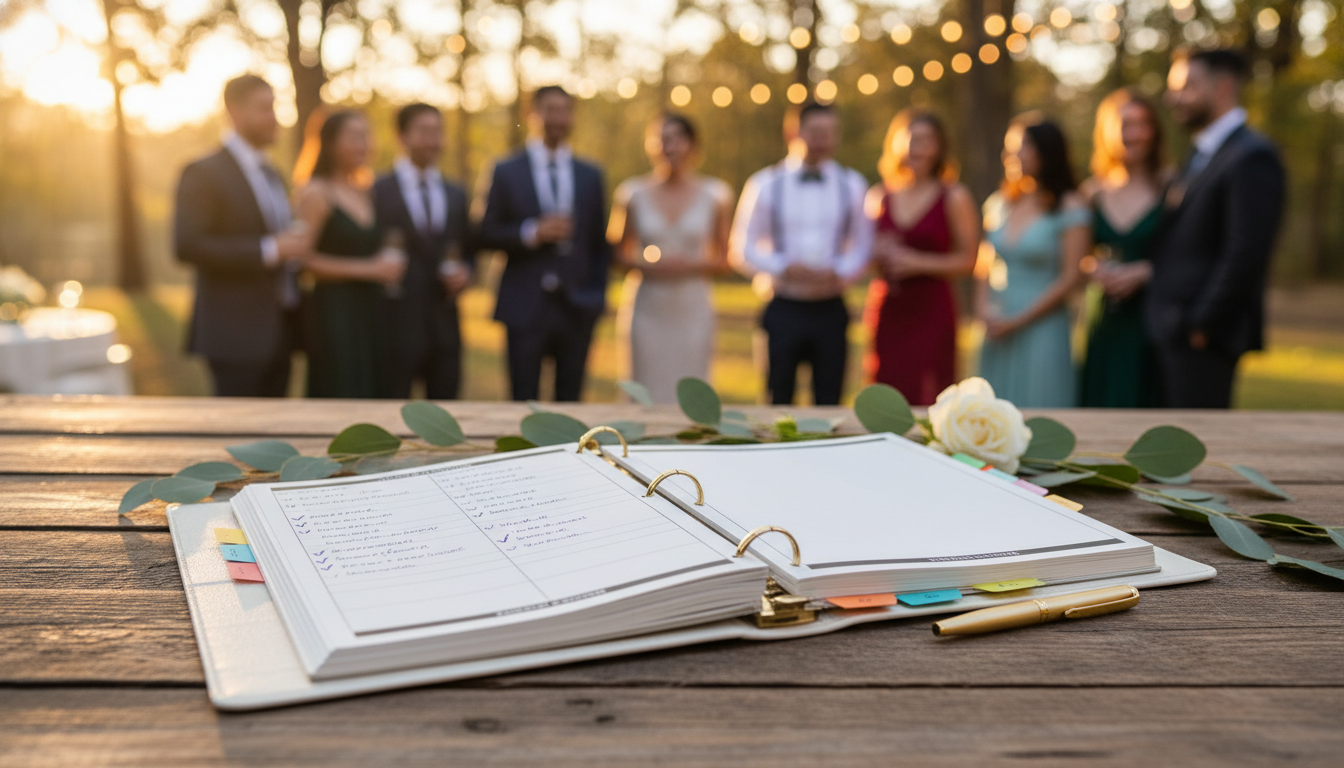
Start by creating a single, cloud-based folder for all contracts, invoices, and mood boards. If a vendor sends you an attachment, move it immediately to the folder and delete the email. Your goal is to reach the point where, if someone asks, 'What time does the florist arrive?', you don't search your inbox; you check your one-page 'Event Bible.'
Step 2: The 'Single Source of Truth' Rule
Stop sending update emails. Every time you change the start time by thirty minutes or update the parking instructions, do not blast your guest list. Instead, use a centralized event landing page or a digital invitation platform.
When guests ask questions (and they will), your response should always be a friendly: 'Great question! I've updated the FAQ section on the event page so everyone has that info.' This trains your guests to look at your central hub rather than pinging you for every minor detail.
Step 3: Automate Your RSVP Nudges
Chasing RSVPs is the most time-consuming part of event planning. If you are manually emailing people on the deadline day, you've already lost the battle.
Use an automation tool or a modern invitation suite that sends scheduled reminders at the 30-day, 14-day, and 7-day marks. For a 100-person event, you can expect at least 20% of guests to forget until the very last second. Let the software be the 'bad guy' who sends the reminders while you focus on the guest experience.
Step 4: Solve the Post-Event Photo Chaos Early
One of the biggest 'inbox cloggers' happens 24 hours after the event ends. You get dozens of texts saying, 'Can you send me that photo of us?' or 'Where can I see the pictures from last night?'
This is where smart planners use KnotShots.io. Instead of managing a dozen different shared albums or waiting weeks for professional shots, you place a simple QR code on the tables or the welcome sign. Guests scan, upload, and view everyone's photos in one beautiful, private gallery. By solving the photo-sharing problem before the event even starts, you eliminate the week-long 'digital hangover' of trying to collect and distribute memories.
Step 5: The 'VIP Only' Communication Channel
For an event of 100 people, you likely have a 'core team' of 5 to 10 people (family members, the wedding party, or close friends helping out). Do not put these people in a massive group text.
Use a dedicated channel—like a Slack workspace or a specific 'Event Ops' thread in a messaging app—strictly for logistics. Keep the 'social' chatter in a different thread. If the florist is lost, it goes in 'Ops.' If someone finds a hilarious meme about party planning, it goes in 'Social.' This ensures that critical logistics never get buried under a pile of emojis.
Step 6: The 48-Hour 'Silence is Golden' Window
In the 48 hours leading up to your event, you should aim for zero outgoing communications. If you have followed the 'Quiet Planner' strategy, your guests already have the link to the event page, the parking map is downloaded, and the KnotShots QR code is printed and ready.
This window is for you to transition from 'Manager' to 'Host.' When the coordination is handled by systems rather than manual effort, you can actually enjoy the party you worked so hard to create.
Summary Checklist for the Quiet Planner:
- Centralized Folder: All PDFs and contracts moved out of email immediately.
- The Landing Page: One URL that holds 100% of guest-facing info.
- Auto-Reminders: Set up RSVP nudges at 30/14/7 days out.
- Photo Strategy: Print your KnotShots QR codes for instant, automated photo gathering.
- Ops vs. Social: Split your 'core team' chats into logistics and fun.
Planning a large event doesn't have to feel like a second full-time job. By implementing these systems, you ensure that the only thing 'blowing up' at your event is the dance floor—not your phone notifications.
Ready to simplify your event photos? Create your KnotShots gallery today and cross 'collecting photos' off your to-do list forever.
Related Articles

2026 Multi-Generational Planning: The Tech-Inclusivity Guide
Learn how to bridge the digital divide at your next event and ensure guests aged 8 to 80 feel included in every moment.
5 Tech Etiquette Rules Every 2026 Event Host Needs to Know
Master the balance between digital memories and real-world presence with these essential tech etiquette rules for modern event planning.

The 2026 Guide to AI-Assisted Event Planning: Save 20 Hours
Learn how to leverage 2026's best AI tools and digital platforms to streamline your event planning process and reclaim your weekends.