5 Generations, 1 Album: Your 2026 Family Reunion Digital Heritage Guide
The Chaos of the 100-Person Gathering
We’ve all been there. You spend eighteen months planning the "Miller Family Extravaganza." You rent the park pavilion, order the custom t-shirts, and manage to get 84 people from four different time zones into the same state at the same time. The weekend is a whirlwind of three-legged races, Aunt Martha’s legendary potato salad, and stories about the Great Depression that the teenagers actually listen to for once.
But three weeks later, when the dust settles, you realize you have a problem. You have twelve blurry photos on your phone, Aunt Linda posted three filtered shots on Facebook that you can't download, and your nephew has a 4K cinematic masterpiece on his TikTok that he hasn't shared with anyone. The visual history of your family is scattered across a dozen different apps and devices.
In 2026, the challenge isn't taking photos—everyone has a camera. The challenge is aggregation. How do you ensure the 80-year-old matriarch and the 8-year-old gamer are contributing to the same legacy? Here is your step-by-step guide to running a Digital Heritage Project at your next reunion.
Step 1: Recruit Your 'Digital Historians'
Don’t try to be the photographer, the grill master, and the tech support all at once. It’s a recipe for burnout. Instead, recruit two people from the 'Gen Z' or 'Alpha' cohorts.
Give them a title that sounds official, like Lead Digital Historian. Their job isn't just to take photos; it’s to assist the older generation. If Great Uncle Bob wants to share a photo of his first car but doesn't know how to navigate a QR code, your Digital Historian is there to walk him through it. This creates a beautiful cross-generational interaction that wouldn't happen otherwise.
Step 2: Create the 'Physical to Digital' Scanning Station
One of the biggest missed opportunities at family reunions is the wealth of physical history that guests bring with them. People often carry old Polaroids, military discharge papers, or yellowed wedding invitations to show around.
Set up a dedicated table with:
- A high-quality portable document scanner or a tripod-mounted smartphone.
- Good lighting (a simple ring light works wonders).
- Acid-free sleeves for temporary storage.
Encourage everyone to bring five 'heritage items.' By the end of the weekend, you won't just have photos of the party; you'll have a digitized archive of your family's entire history, preserved for the next century.
Step 3: Implement a Zero-Friction Sharing System
If you ask 100 people to email you photos, you will get exactly zero emails. If you ask them to join a private Facebook group, half will refuse because of privacy concerns, and the other half will forget their password.
This is where a dedicated platform like KnotShots changes the game. By setting up a single gallery with a custom QR code printed on the buffet cards and the back of the reunion t-shirts, you remove the 'app fatigue.' Guests simply scan, upload, and keep partying. There’s no account creation for them, which is the #1 barrier for the less tech-savvy relatives.
Step 4: The 'Living Slideshow' Strategy
To keep the momentum going during the event, project a live feed of the uploaded photos onto a screen or a large TV in the main gathering area.
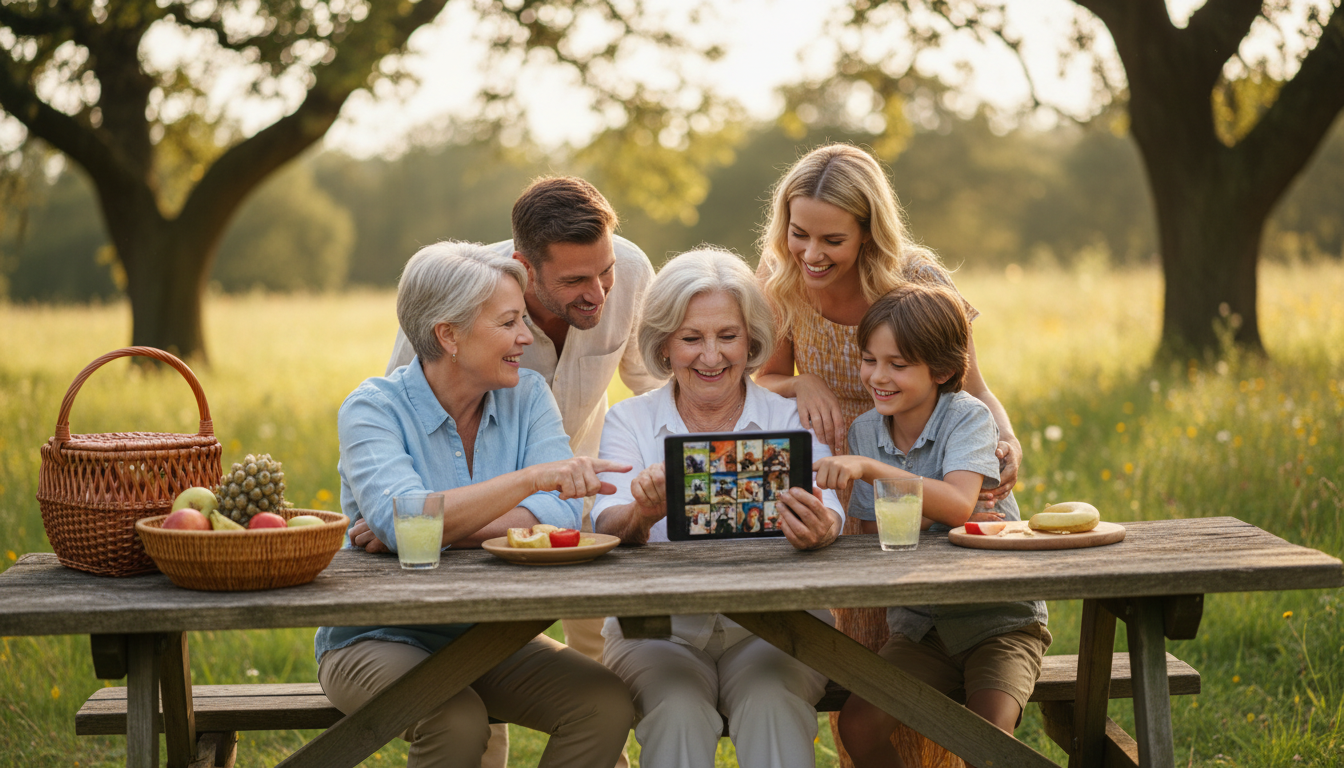
When people see their photos appearing in real-time, it creates a feedback loop. Grandma sees a photo of her grandkids playing by the lake, smiles, and then wants to contribute her own shots. It turns photo-sharing from a 'chore' into a form of entertainment.
Step 5: The Post-Reunion Preservation
Once the last suitcase is packed, your work as the organizer begins. But instead of chasing people down, you now have a centralized hub.
The 30-Day Rule:
- Day 1-7: Keep the upload link active. People often find 'hidden gems' on their camera rolls once they get home and have a stable Wi-Fi connection.
- Day 14: Send out a 'Thank You' email with a link to the curated highlights.
- Day 30: Finalize the album and offer a physical photo book option for the elders who still prefer something they can hold.
Making Every Moment Count
Family reunions are rare. As our families grow and move further apart, these gatherings become the heartbeat of our personal histories. By treating your reunion photos as a 'Digital Heritage Project' rather than just a collection of snapshots, you’re ensuring that the stories told today aren't lost by tomorrow.
Ready to simplify your family's photo collection? Start your gallery today and make sure no memory gets left behind.
Related Articles
7 Modern Ways to Connect Gen Z to Family History at Your 2026 Reunion
Discover 7 creative strategies to engage Gen Z with family heritage during your 2026 reunion, from interactive QR stations to digital photo hubs.

The 2026 Heritage Project: Documenting 4 Generations at Your Reunion
Stop chasing cousins for photos. Learn how to create a living family archive at your next reunion with these 5 expert steps for multi-generational success.

How to Host a 2026 Hybrid Family Reunion: 6 Steps to Connection
Learn how to bridge the distance and connect four generations across time zones with our definitive guide to hosting a hybrid family reunion in 2026.