Beyond the Picnic: Creating a Legacy for the Next Decade
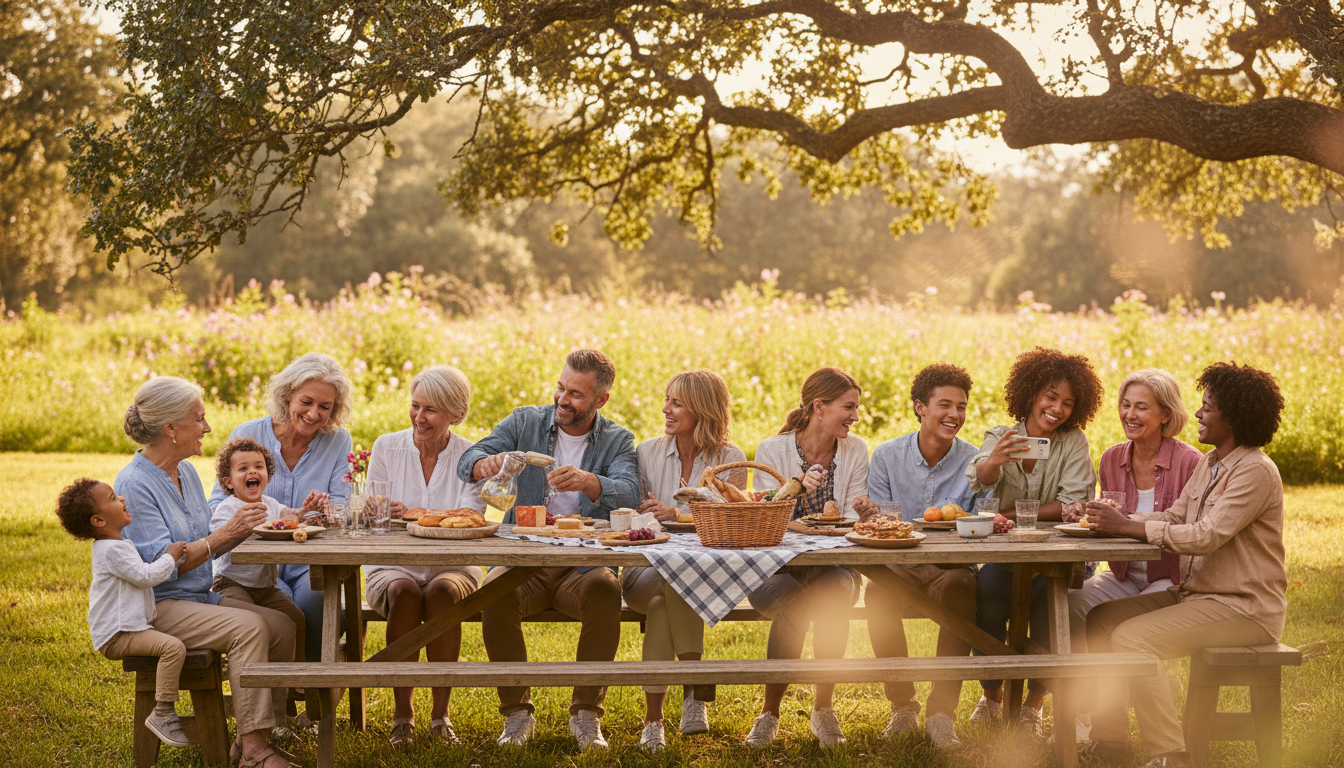
Picture this: Great-Grandma June is sitting on a lawn chair, recounting the story of how she immigrated in 1954. Around her, three cousins are laughing, two toddlers are chasing a dog, and your Uncle Steve is manning the grill. Someone snaps a photo on their phone. Someone else records a 10-second video.
Fast forward three months. Where are those files? They are buried in a group chat with 478 other messages, lost in a 'Recents' folder, or trapped on a phone that just met the bottom of a swimming pool.
In 2026, we have more tools than ever to capture history, yet our family archives are messier than they were in the era of physical scrapbooks. If you are planning a family reunion this year—whether it is a 15-person weekend getaway or a 100-person multi-generational gala—you have a unique opportunity to turn a simple party into a 'Living History Project.' Here is how to do it without losing your mind.
Step 1: Designate Your 'History Captains'
The biggest mistake in family event planning is assuming 'everyone' will take photos. When everyone is responsible, no one is accountable. Instead, recruit one person from each generation to be a History Captain.
For the Gen Z members, this is their time to shine. They understand lighting, vertical video, and candid shots better than anyone. For the older generations, their role is 'Context King.' They don't need to hold the camera; they just need to identify the people in the shots. By pairing a 19-year-old with a 70-year-old, you ensure that every photo taken has a story attached to it.
Step 2: The 'Old Meets New' Scanning Station
Ask every guest to bring exactly three physical photos from their own childhood. Set up a small, dedicated table with a portable high-speed scanner or even just a well-lit area for phone-based scanning apps.
If you want to get fancy, provide a 'Story Card' next to the scanner where guests write down the year, the location, and who is in the photo. This turns a simple gathering into a mini-museum. Watching a teenager see a photo of their grandfather as a rebellious 16-year-old is the kind of 'reunion magic' that keeps families connected across decades.
Step 3: Implement a Frictionless Sharing System
Nothing kills the momentum of a family reunion like the phrase, 'Can you AirDrop that to me?' followed by 20 minutes of troubleshooting. For large groups spread across different device types (Android vs. iPhone), you need a centralized hub.
This is where KnotShots becomes your best friend. By setting up a single QR code on the welcome table, every family member—from the tech-savvy teen to the 'I just got my first smartphone' grandparent—can instantly upload their photos to one shared, high-resolution gallery. No apps to download, no storage limits to worry about, and most importantly, no lost memories in the group chat abyss.
Step 4: The 'Living Interview' Corner
While photos are vital, audio and video capture the essence of a person. Set up a quiet corner with two comfortable chairs. Use a simple 'Question Jar' with prompts like:
- 'What was the first car you ever drove?'
- 'What is the one piece of advice you want the toddlers here today to remember in 20 years?'
- 'What did this family look like when you were a child?'
Have a History Captain record these 2-minute 'micro-interviews.' These clips will become the most valuable assets your family owns 50 years from now.
Step 5: The Post-Reunion 'Legacy Blast'
Two weeks after the reunion, the 'reunion high' starts to fade. This is the moment to strike. Send out a digital 'Thank You' that includes a link to the curated gallery.
Instead of just a dump of 1,000 photos, highlight the 'Top 10 Moments' as voted on by the History Captains. Encourage everyone to go back into the shared gallery and use the comment features to add names and dates to photos they recognize. This crowdsourced metadata ensures that the 'Living History Project' stays accurate for future generations who weren't there to see it themselves.
Making it Stick
Managing a 100-person family reunion is a logistical marathon. You are dealing with food allergies, hotel blocks, and that one uncle who refuses to wear a matching t-shirt. Don't let the documentation of the event become another chore.
By setting the system up on Day 1, you move from being a 'manager' to being a 'curator.' Your family’s history is a living, breathing thing. In 2026, let’s stop letting it disappear into the digital void. Start your project this weekend, and give your family a gift that actually grows more valuable with time.
Related Articles

7 Modern Ways to Connect Gen Z to Family History at Your 2026 Reunion
Discover 7 creative strategies to engage Gen Z with family heritage during your 2026 reunion, from interactive QR stations to digital photo hubs.
5 Generations, 1 Album: Your 2026 Family Reunion Digital Heritage Guide
Learn how to bridge the tech gap and collect photos from every generation at your next 100-person family reunion.

The 2026 Heritage Project: Documenting 4 Generations at Your Reunion
Stop chasing cousins for photos. Learn how to create a living family archive at your next reunion with these 5 expert steps for multi-generational success.